
I went into this test expecting most tools to work roughly the same way. Type in a topic, get a list of related ideas, copy the good ones, move on.
That’s mostly what happened. But it also exposed the bigger problem with topical map generators: nearly all of them create a brand-new plan from a prompt, while ignoring the website you already have.
So I tested seven tools using the same general process. I looked at what each one asks for, what it gives back, how useful the output feels, and whether it helps you connect real pages into topics, pillar pages, and cluster pages. Here’s the honest breakdown.
Quick Comparison: 7 Topical Map Generators I Tested
| Tool | Input Needed | Best For | Biggest Limitation |
|---|---|---|---|
| Marvlus AI | Website URL | Mapping existing pages | Built around your site first |
| FATJOE | Main topic | Fast content ideas | No website scan |
| Optimo | Main topic | Free brainstorming | Basic output |
| Topical Map AI | Niche or topic | Larger keyword maps | Full detail behind signup |
| AIKTP | Keyword or topic | Multi-language planning | Output needs cleanup |
| Blue Panther | Business description | Audience-led ideas | Not page-level mapping |
| GravityWrite | Target keyword | Blog title ideas | Account flow adds friction |
The pattern was obvious. Six of the seven tools asked me for a topic, niche, keyword, or business description, then generated a topical plan from scratch. That’s useful if you’re starting fresh.
But if you already have a website with pages, blog posts, services, categories, and messy old content, you need more than a brainstorm. You need a map of what exists now, what each page is about, what role each page should play, and where the gaps are.
Google’s own philosophy has always been simple: “Focus on the user and all else will follow,” according to Google’s company philosophy. That’s exactly why a topical map should not just create more content ideas. It should help you make the whole site easier to understand for people, Google, and AI answer engines.
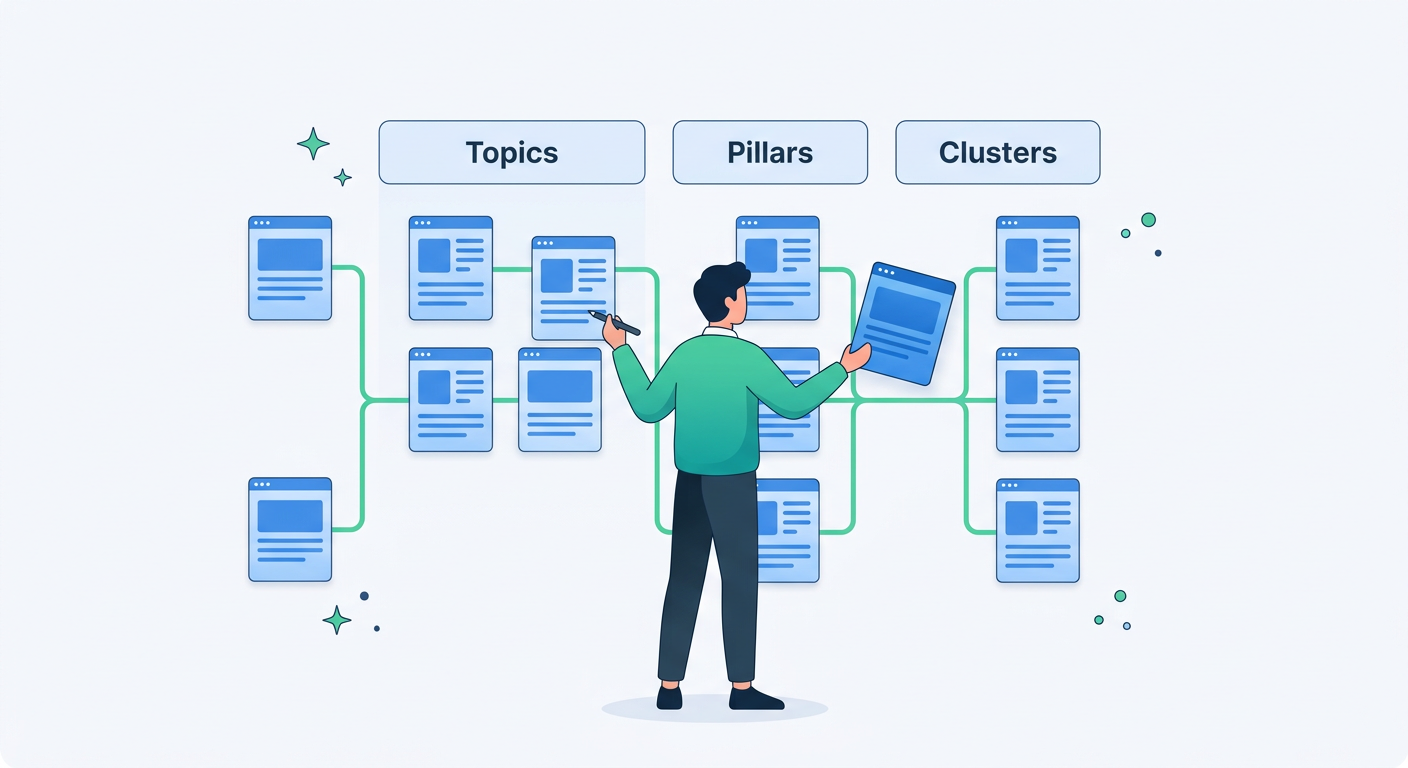
How I Tested These Topical Map Generators
I kept the test simple because that’s how most website owners actually use these tools. I entered broad topics, noted the required inputs, reviewed the generated structure, and looked for whether the tool helped with real-world content planning.
The most important question was this: does the tool understand an existing website, or does it only invent a fresh map from a topic?
That distinction matters. A brand-new site needs ideas. An established site needs organization, prioritization, and clarity.
I also checked whether the output was practical. Could you turn it into a content calendar? Could you identify pillar pages? Could you spot missing cluster pages? Could you see where existing pages were weak? Most tools helped with the first two. Very few helped with the rest.
HubSpot’s 2025 AI content data found that 55% of marketers use AI for content creation, according to HubSpot. That makes these tools more useful than ever, but also more dangerous if they push teams to publish more without organizing what’s already there.
1. Marvlus AI: Best for Mapping an Existing Website
Marvlus AI’s free topical map generator is the tool I wanted when I started testing the rest. Instead of asking only for a topic and spitting out new ideas, Marvlus scans your website and organizes your actual pages into topics, pillar pages, and cluster pages.
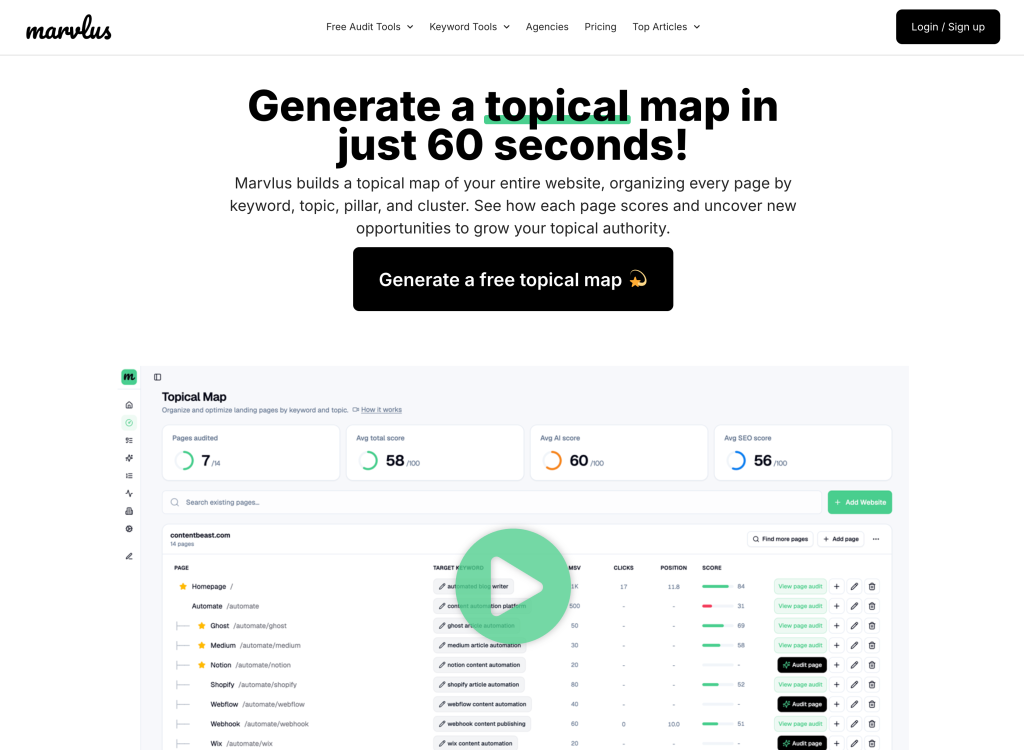
Here’s a video tutorial on how to generate a free topical map on Marvlus.
That changes the whole workflow. You’re not staring at a generic list wondering what to write next. You’re looking at your current site structure and seeing where each page fits.
Marvlus also assigns each page a target topic or keyword and gives it a score. That means you can spot pages with weak alignment, unclear intent, or missing support content before you start creating yet another article.
What Stood Out
The biggest win is that Marvlus starts with your website, not a blank prompt. It maps pages into logical groups, helps you see which pages act like pillars, and shows where clusters are thin or missing.
It also lets you add to the map. So if your site already has a solid pillar page but lacks supporting articles, you can build around the existing asset instead of duplicating it.
That’s a big deal for small businesses and marketers with years of scattered content. You don’t always need more ideas. Sometimes you need to know what you already own.
Who It’s Best For
Marvlus is best for website owners, founders, marketers, bloggers, and agencies that already have published pages. If you want to see how your current site is organized by topic, this is the strongest option I tested.
It pairs especially well with a broader understanding of topical authority because it shows how your authority is actually structured across pages, not just how you hope it’s structured in a spreadsheet.
2. FATJOE Topical Map Generator: Best for Fast Topic Expansion
FATJOE’s topical map generator asks for your main topic, then generates related topics and subtopics. The page describes a simple three-step flow: provide a main topic, generate a topical map, then use it to support content creation.
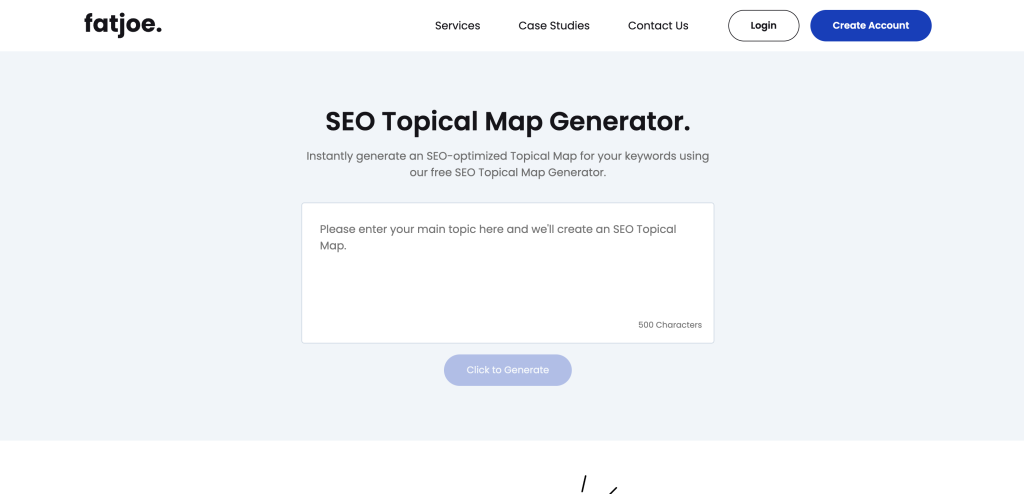
In my test, this felt like a quick idea expansion tool. If you’re planning a new blog category or trying to uncover angles you haven’t covered yet, it’s useful.
What I Liked
FATJOE keeps the process friction-free. The tool is easy to understand, and the output gives you a quick set of subtopics to consider.
It also frames topical maps as a way to spot gaps, which is the right mindset. You can use the output as a first draft for a pillar and cluster plan.
Where It Falls Short
It does not analyze your website. That means it can’t tell you whether you already have pages that match the suggested topics, whether two pages overlap, or which existing URL should become the pillar.
So, I’d use FATJOE for early brainstorming. I wouldn’t use it as the final source of truth for an existing website.
3. Optimo Topical Map Generator: Best Free Lightweight Option
Optimo’s topical map generator is built by FATJOE and has a very similar idea: enter your topic and let the tool generate a map in seconds. The page positions it as a free tool for planning, organizing content strategy, and identifying gaps.
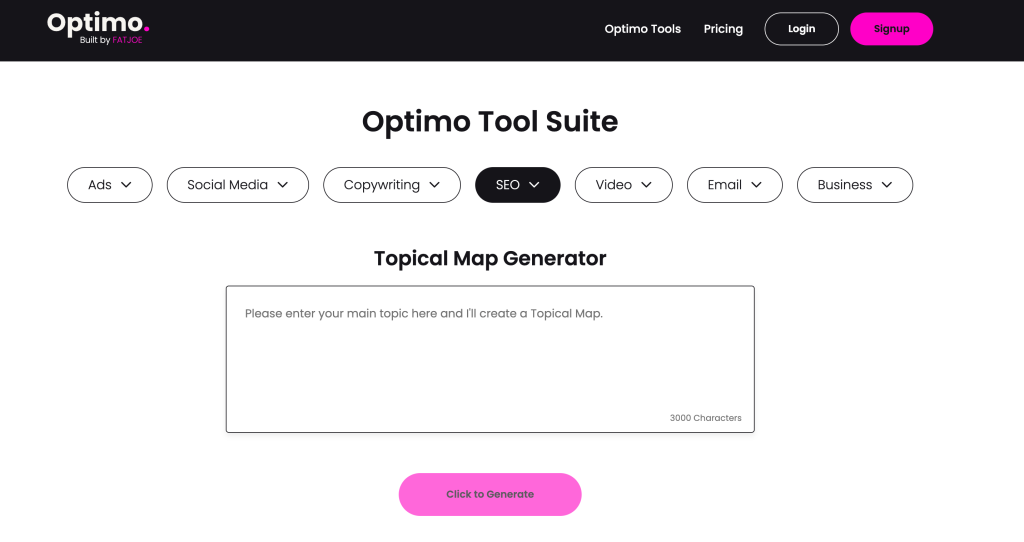
The interface is straightforward. It’s the kind of tool you can use quickly when you need a rough structure before a planning meeting.
What I Liked
Optimo feels approachable. You don’t need technical SEO experience, and you don’t need a complex setup.
For beginners, that matters. A lot of topical planning tools overcomplicate the first step, but Optimo keeps it simple.
Where It Falls Short
The output is only as good as the prompt. Because it doesn’t crawl your site or evaluate your real pages, it can’t tell you what to keep, merge, update, or connect.
It’s good for a blank-page moment. It’s less useful when your real problem is a messy website with unclear page roles.
4. Topical Map AI: Best for Bigger Keyword-Based Maps
Topical Map AI asks you to enter a niche or topic, then generates a preview map with topic clusters and subtopics. Its page says full maps can include 800+ keywords, volume data, difficulty scores, CPC values, AI content briefs, and CSV export.
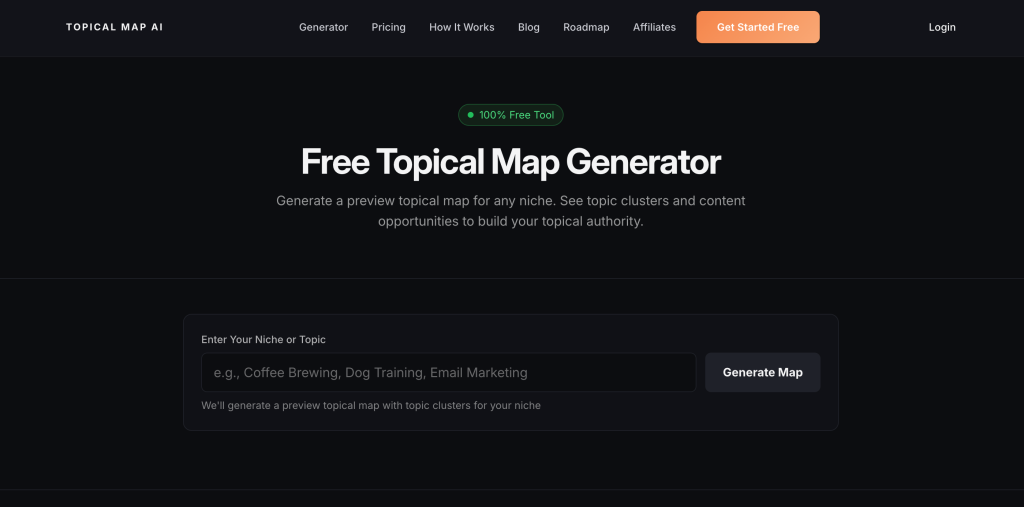
This one felt more advanced than the basic free generators. If you want a larger planning dataset, it has more depth.
What I Liked
Topical Map AI is clearly built for people who want more than a small list of ideas. The promise of larger maps, keyword metrics, and briefs makes it more useful for content teams that need scale.
It also structures the process around building authority, which is the right goal for cluster planning.
Where It Falls Short
The free experience is more of a preview. That’s not a bad thing, but it means you may need to sign up or upgrade to get the full value.
Also, like most tools in this test, it starts from a niche or topic. It does not begin by analyzing your live website and assigning current pages into pillar and cluster roles.
5. AIKTP Topical Map Generator: Best for Multi-Language Planning
AIKTP’s topical map generator asks for a main keyword or topic, then organizes ideas into main topics, subtopics, and keywords. One useful difference is the multi-language support and customization options for the number of main and subtopics.
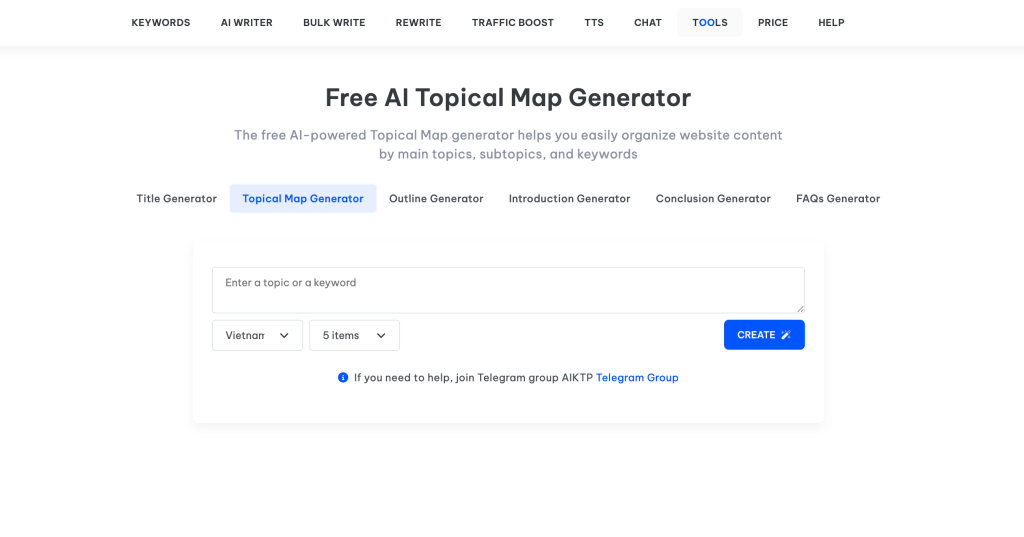
That makes it appealing if your content strategy spans multiple regions or languages.
What I Liked
AIKTP gives you more control than some lightweight tools. Being able to customize topic counts helps when you want a broad map versus a tighter plan.
The language support is also a real advantage. Many topical tools are English-first, so this is helpful for global content teams.
Where It Falls Short
The output may need editing before it becomes publish-ready. That’s common with AI planning tools, but it’s worth noting.
It also focuses on generating a structure from your prompt, not diagnosing your current website. So, again, it’s better for ideation than for mapping existing pages.
6. Blue Panther Topical Map Generator: Best for Audience-Led Ideas
Blue Panther’s SEO topical map generator asks you to describe your business and audience. Then it generates relevant topics, subtopics, and content ideas.
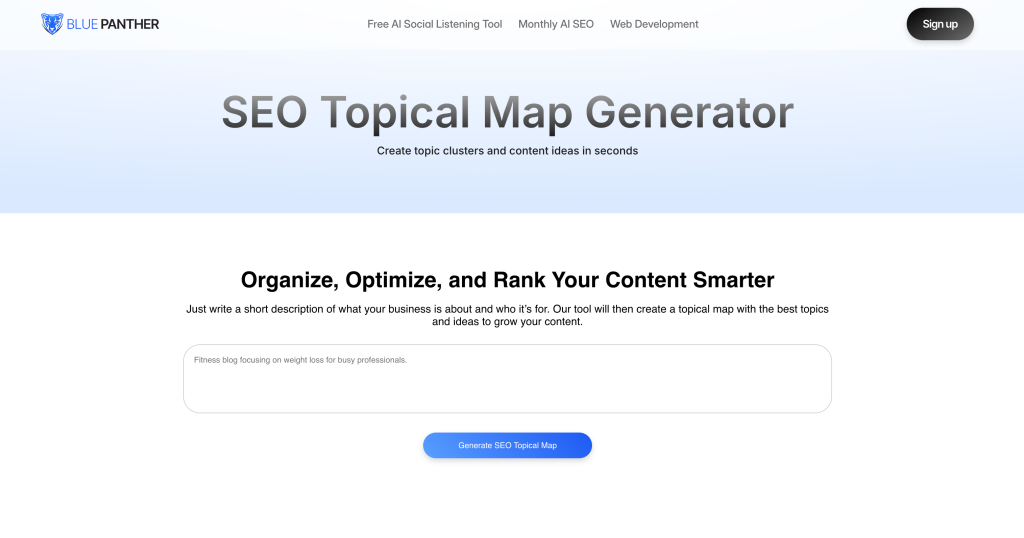
I liked that input style because it encourages you to think beyond a single keyword. A good map should reflect what your audience actually needs, not just what sounds nice in a tool.
What I Liked
Blue Panther’s business-and-audience input creates more context than a plain keyword prompt. That can lead to ideas that feel closer to your positioning.
It’s especially useful for service businesses that need content tied to a clear buyer type.
Where It Falls Short
The tool still generates a forward-looking plan. It does not map your current URLs, score page alignment, or show whether your existing site already covers the suggested areas.
If you’re starting a new content hub, it can help. If you’re cleaning up a large site, it won’t do the heavy lifting.
7. GravityWrite Topical Map Generator: Best for Blog Title Workflows
GravityWrite’s Create Topical Map tool is part of a larger AI writing suite. The page says you choose a target keyword and quantity, then get a list of relevant titles.
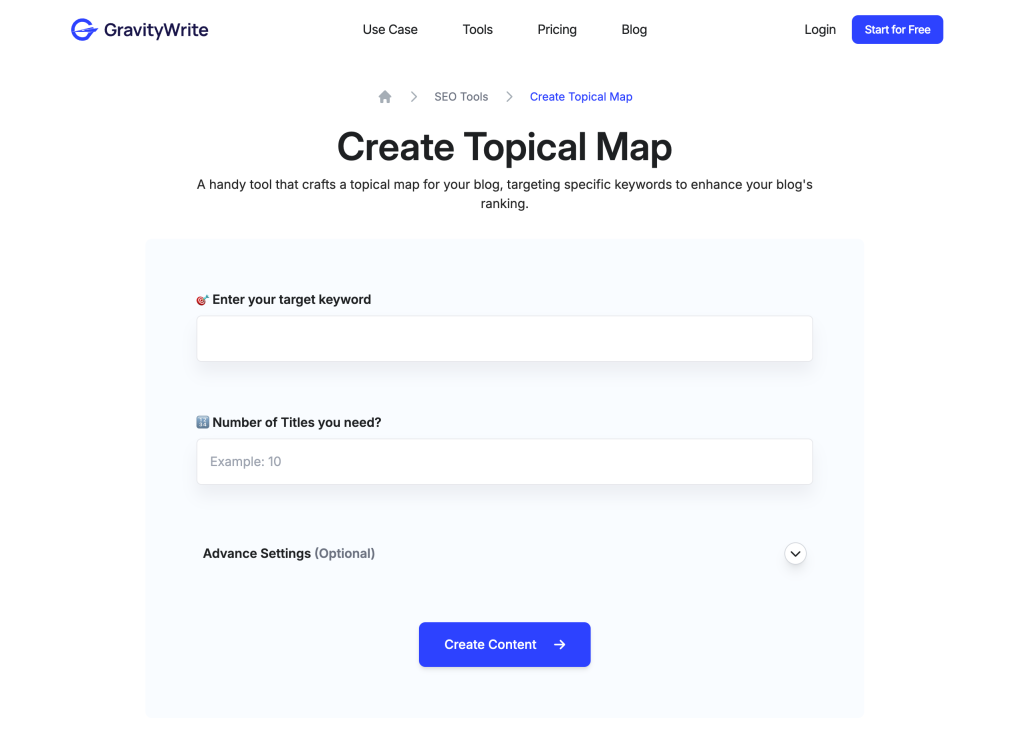
This felt less like a strategic topical map tool and more like a blog planning helper. That’s not necessarily bad, but it depends on what you need.
What I Liked
GravityWrite fits nicely if you’re already using its writing tools. The workflow can help you move from keyword to topic ideas to draft creation quickly.
It’s useful for solo creators who want momentum and don’t want to jump between platforms.
Where It Falls Short
There’s more account-related friction than with some of the simpler tools. Also, the output leans toward title generation rather than deep website architecture.
If you need a true pillar and cluster map for an existing domain, it’s not the strongest fit.
The Big Problem With Most Topical Map Generators
Here’s the thing I kept running into: most tools assume you’re starting from zero.
But most real businesses are not starting from zero. They already have a homepage, service pages, product pages, category pages, blog posts, old guides, outdated announcements, and maybe a few pages ranking for terms they forgot about.
A prompt-based topical map can’t see that. It can’t tell you that your “email marketing guide” should be the pillar and your “newsletter examples” post should be a cluster. It can’t spot that three pages are competing for the same intent. It can’t show that your strongest topic is missing internal support.
That’s why I ended up building Marvlus differently. The goal was not just to generate another list. The goal was to map the website itself, assign pages to topics, identify pillar and cluster structure, score pages against target topics, and let users expand from there.
If your site is brand new, any solid topic generator can help you brainstorm. If your site already exists, you need a tool that can make sense of the content you’ve already published.
What to Look for in a Topical Map Tool
Website-Level Mapping
If a tool only accepts a topic, it can only guess. A better workflow starts with your website and turns real pages into a clear structure.
This helps you avoid duplicate content and makes it easier to decide what to update, merge, create, or delete.
Pillar and Cluster Clarity
A good map should show which pages are broad pillar assets and which pages support them. Without that structure, your content plan becomes a long list with no hierarchy.
Pillar pages explain the main topic. Cluster pages answer specific related questions and support the pillar.
Page Scoring
Scoring matters because not every page deserves the same attention. Some pages are already aligned. Others are targeting the wrong topic, missing depth, or failing to match user intent.
A score gives you a prioritization layer. That’s what turns a topical map from a document into a workflow.
Room to Expand
Your map should not be static. After you organize existing pages, you should be able to add new topics, fill gaps, and build new clusters around what’s already working.
That’s how you move from cleanup to growth.
Try a Smarter Way to Map Your Website
If you want a topical map built from your real website, not just a prompt, try the free Marvlus topical map generator. It scans your pages, groups them into topics, identifies pillar and cluster opportunities, and scores each page against its target topic.
You can also pair it with a free SEO website audit to see broader technical and content issues before deciding what to improve first.
FAQ
What is a topical map generator?
A topical map generator is a tool that organizes a subject into related topics, subtopics, and content ideas. Better tools also help structure those ideas into pillar pages and supporting cluster pages.
Are topical map generators good for SEO?
Yes, they can help you plan broader coverage around a subject. The best results come when you use the map to create useful pages, connect related content, and avoid publishing random one-off posts.
What is the difference between a topical map and keyword clustering?
Keyword clustering groups similar keywords together. A topical map goes further by organizing the broader subject into page roles, content hubs, pillars, clusters, and gaps.
Do topical map tools analyze my existing website?
Most do not. Most tools ask for a topic and generate a fresh plan. Marvlus is different because it scans your current website and maps existing pages into topics, pillars, and clusters.
Which topical map generator is best for beginners?
Optimo and FATJOE are simple starting points if you just want quick ideas. Marvlus is better if you already have a website and want to understand how your current pages fit together.
How often should I update a topical map?
Update it whenever you publish new content, change services, add product categories, or notice ranking changes. For active sites, a monthly review is a practical rhythm.
Can a topical map help with AI visibility?
Yes. Clear topic structure helps AI answer engines understand what your site covers, which pages support each other, and where your strongest expertise sits.
Final Takeaway
After testing all seven tools, the difference was clear. Most topical map generators are helpful brainstorming tools, but they don’t understand your actual website.
That’s fine if you’re starting from scratch. But if you already have content, your biggest opportunity is usually hidden inside the pages you’ve already published.
The winning workflow is simple: map what exists, identify your pillar pages, connect your clusters, score weak pages, then add new content where it truly fills a gap. That’s how a topical map becomes more than a list of ideas. It becomes a growth system.